
Organization Without Perfection
How I Finally Stopped My Tasks From Living Everywhere
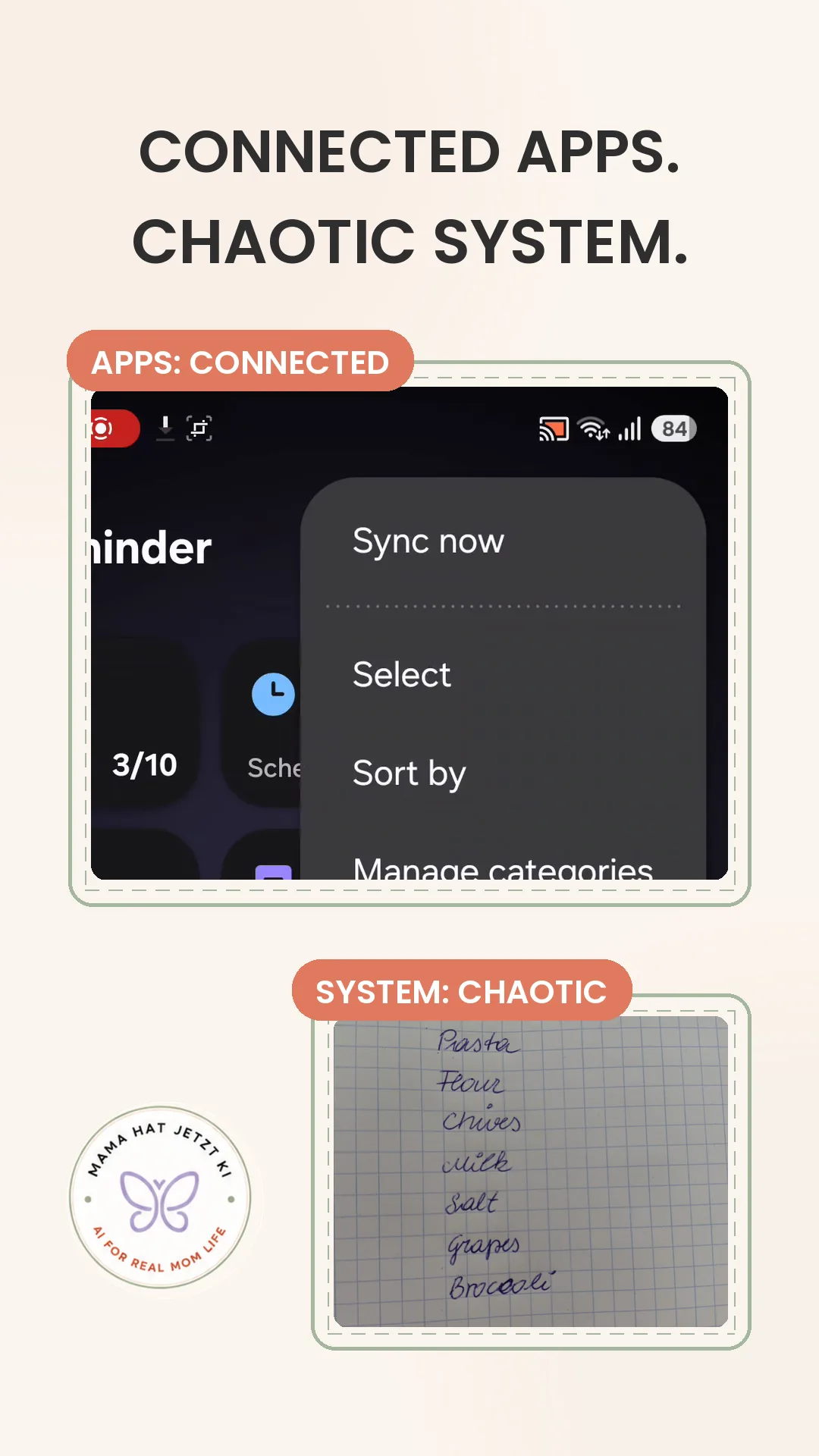
I thought I had too many apps. Turns out, my apps were already more connected than I realized. My system just wasn’t.
The short version
I did not need another productivity app
My tasks genuinely ended up in Microsoft To Do, Samsung Reminder, Calendar, chats, screenshots and on paper. Naturally, I assumed the problem was the number of places. Maybe I needed to connect everything properly. Maybe I needed to reorganize it all. Maybe — the classic dangerous thought — I needed one more app.
But while testing the setup, I noticed something less dramatic and much more useful: the apps were already more connected than I had realized. The missing piece was not another tool. It was a simple rule for deciding what goes where.
The real problem
Capture was happening everywhere
A message could become a task. A screenshot could become a reminder. A shopping item could sit on paper while another lived in To Do. Calendar entries, regular tasks and oddly specific reminders all started to blur together.
None of those places was automatically wrong. The problem was that I had to decide from scratch every single time — and sometimes I did not decide at all. The task simply stayed wherever it first landed. Very efficient, if the goal is to forget where you put it.
The rule I’m using now
One job for each system
I stopped asking which app should hold everything. Instead, I gave each place one clear job.
| What I captured | Where it goes | Why |
|---|---|---|
| Normal task | Microsoft To Do | A clear action I need to complete |
| Simple repeat | Microsoft To Do | A regular task with a straightforward rhythm |
| Complex or context-based reminder | Samsung Reminder | The oddly specific things that need more precise timing or context |
| Fixed appointment | Calendar | Something that happens at a set time |
| Chat, screenshot or paper note | Inbox first | Useful for capture — but not a permanent home |
Why not one app?
The goal is less thinking, not a perfect stack
Forcing every kind of task into one app sounds tidy. In practice, it can mean ignoring the tools that already fit certain moments well. I do not need a beautiful productivity diagram. I need to know where to put “buy dishwasher tablets” and where to put an appointment without holding a tiny committee meeting in my head.
Microsoft To Do works for my normal tasks and simple repeats. Samsung Reminder earns its place for the more particular reminders. Calendar keeps fixed appointments where I expect to see them. The system is not minimalist because it uses one app. It is minimalist because the decision is small.
What surprised me
The apps were not as disconnected as I thought
I began this test expecting a connection problem. What I found was more modest: the apps were already more connected than I realized, but that did not automatically create a clear personal system.
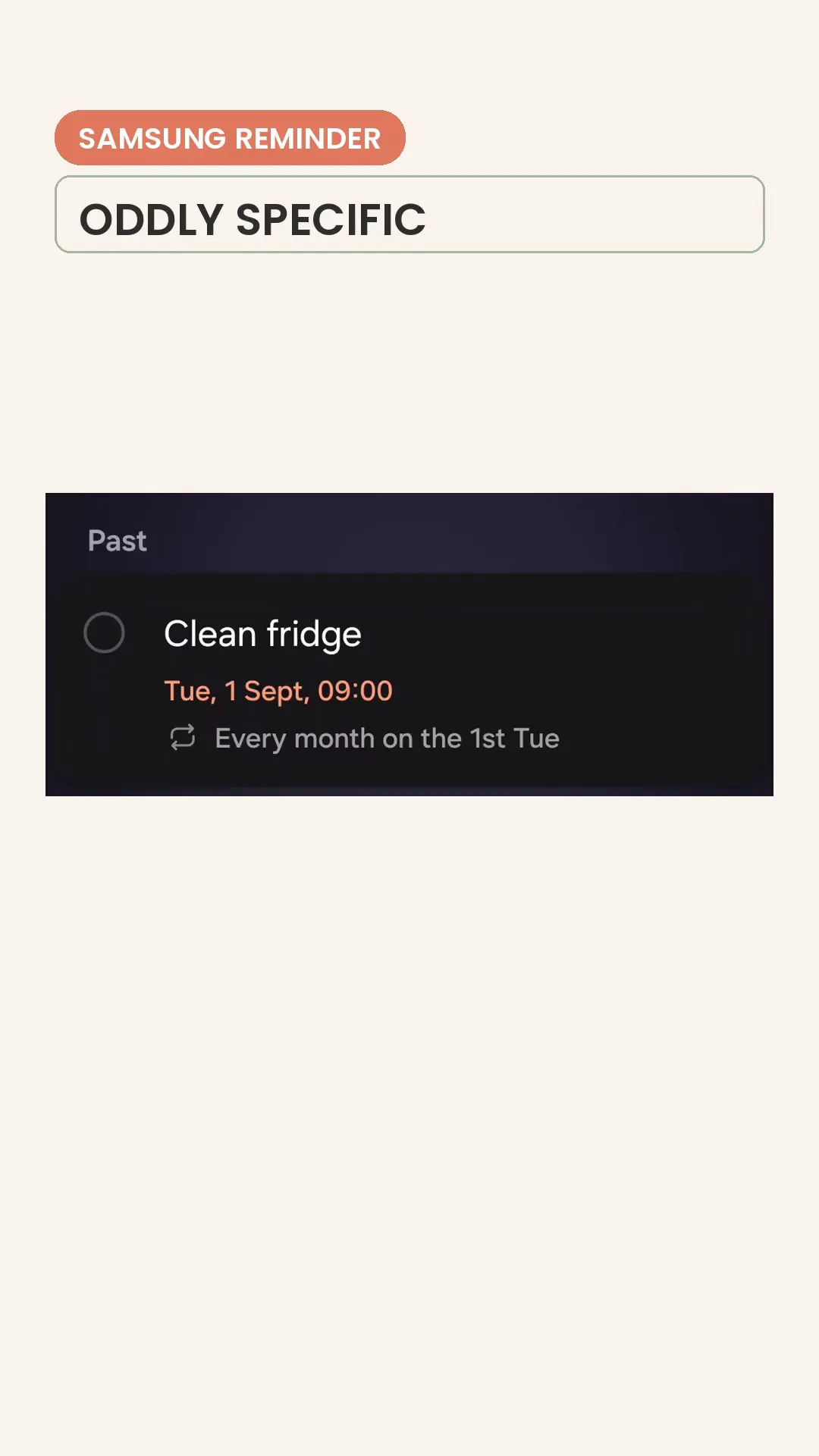
The Samsung Reminder example made the distinction especially useful. A reminder could be set for “Every month on the 1st Tue” — exactly the kind of oddly specific repeat I did not want to flatten into a simpler rule just for the sake of putting everything in one place.
That does not mean Microsoft To Do, Samsung Reminder and Calendar all sync together. It means I stopped treating technical connection as the same thing as knowing where a task belongs.
The habit that matters
Capture can happen anywhere. Permanent storage should not.
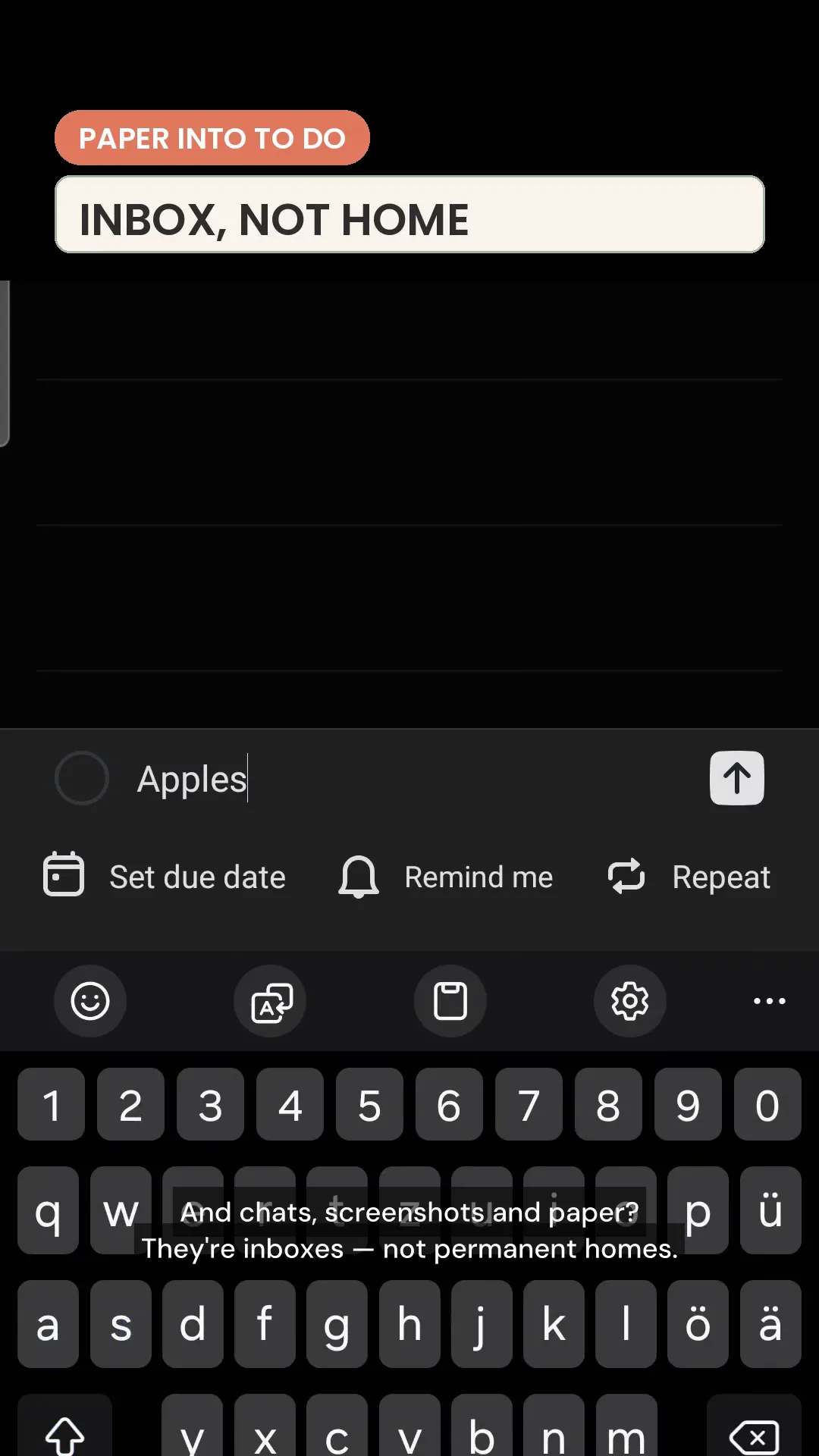
I am not trying to stop myself from taking a screenshot or scribbling a shopping item on paper. That would last approximately until the next busy Tuesday. Those are perfectly useful inboxes.
The habit is to route the item afterwards. In the real test, I took one item from the handwritten shopping list and consciously moved it into Microsoft To Do. Nothing revolutionary happened. The item simply gained a proper home — which is rather the point.
Try it yourself
A three-step digital reset
- List your real landing places.Write down every place tasks currently appear — including chats, screenshots and paper.
- Give each system one job.Choose a clear home for normal tasks, special reminders and fixed appointments.
- Route one real item.Move one captured task from its temporary inbox into its permanent home.
Try the rule for one week — then keep only what actually reduces your mental load.